pygame-menu Logo
4.4.2

First steps

  • Creating menus
  • Adding widgets
  • Adding sounds
  • Creating themes
  • Gallery / Examples
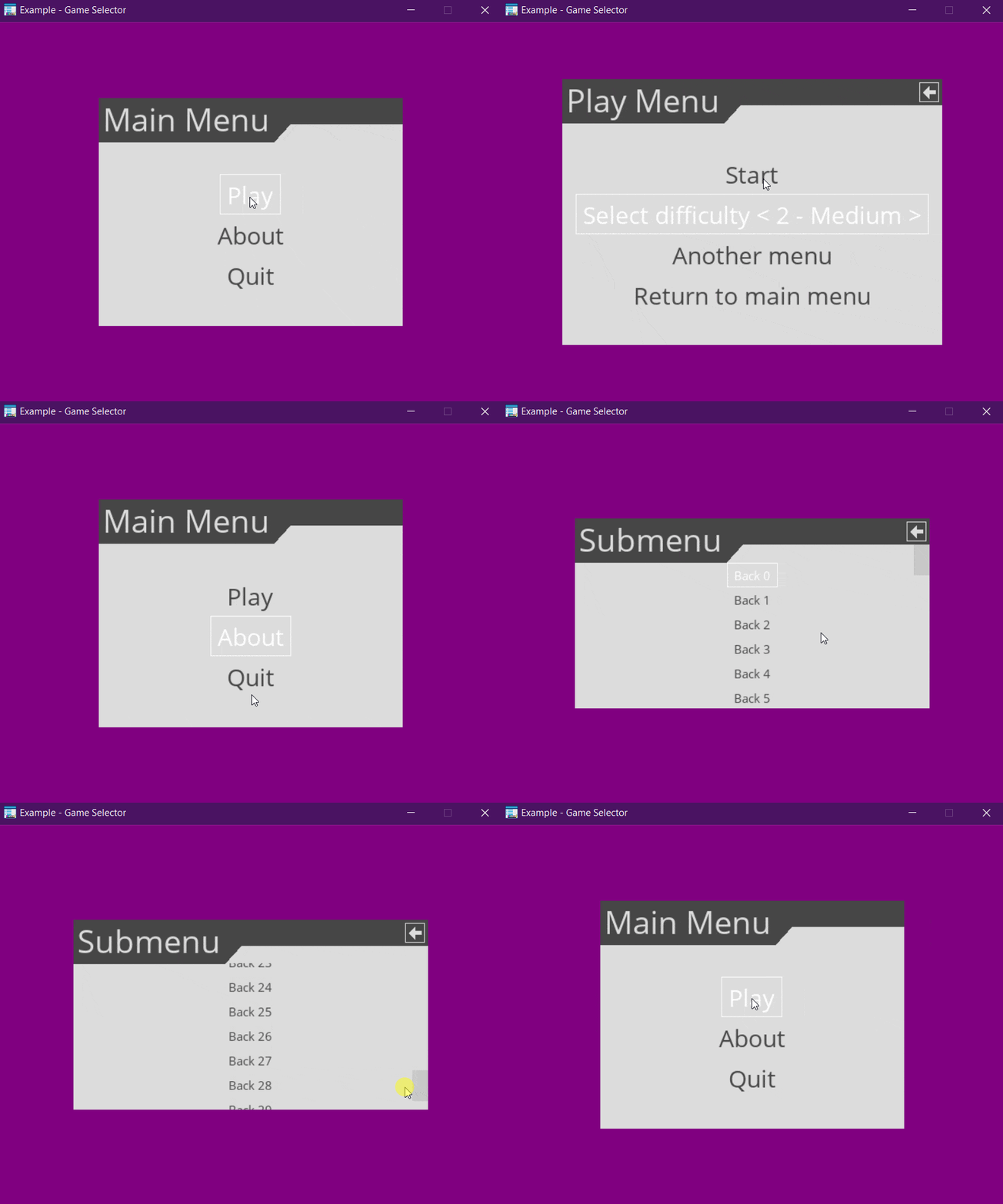
    • Game selector example
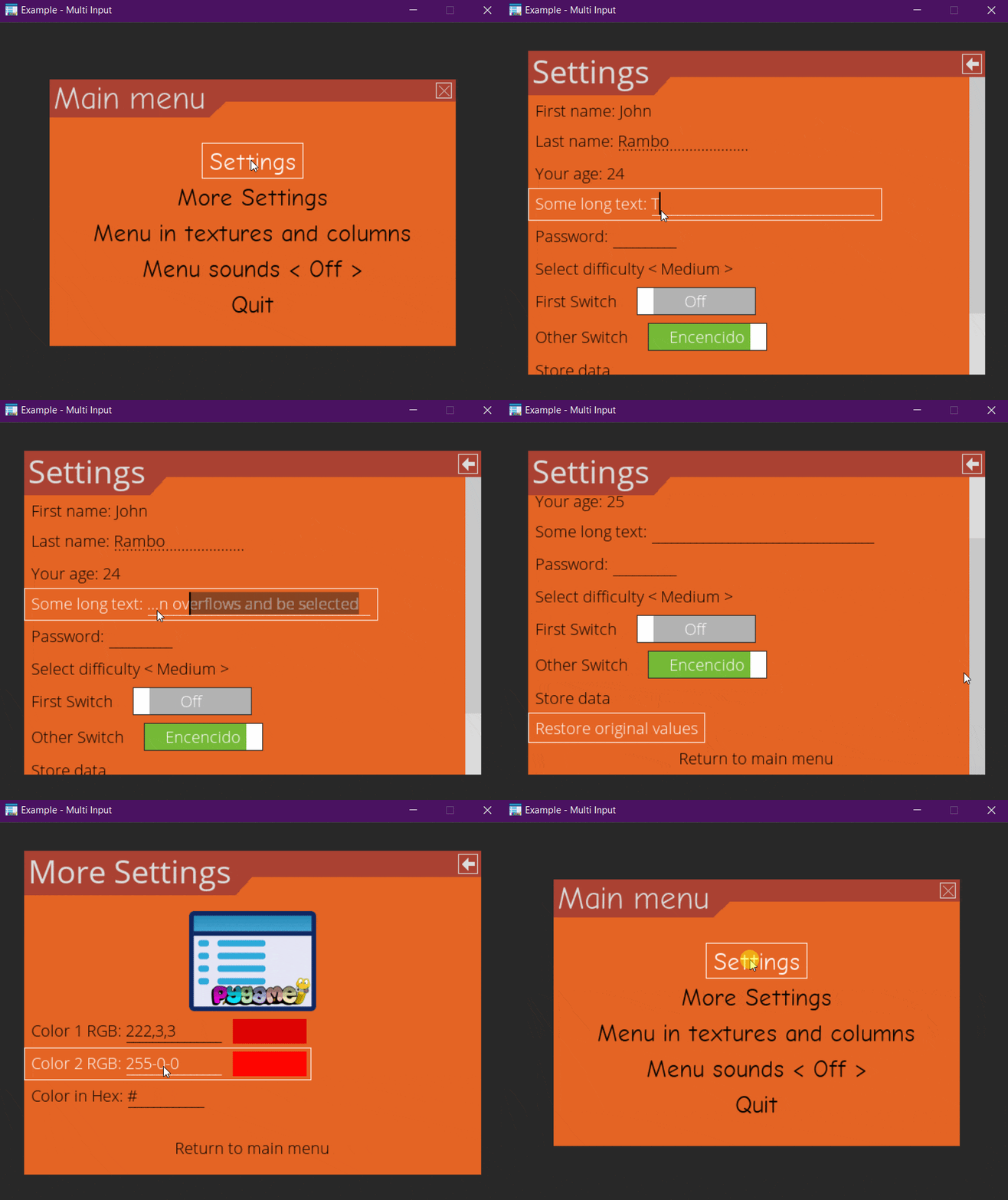
    • Multiple input example
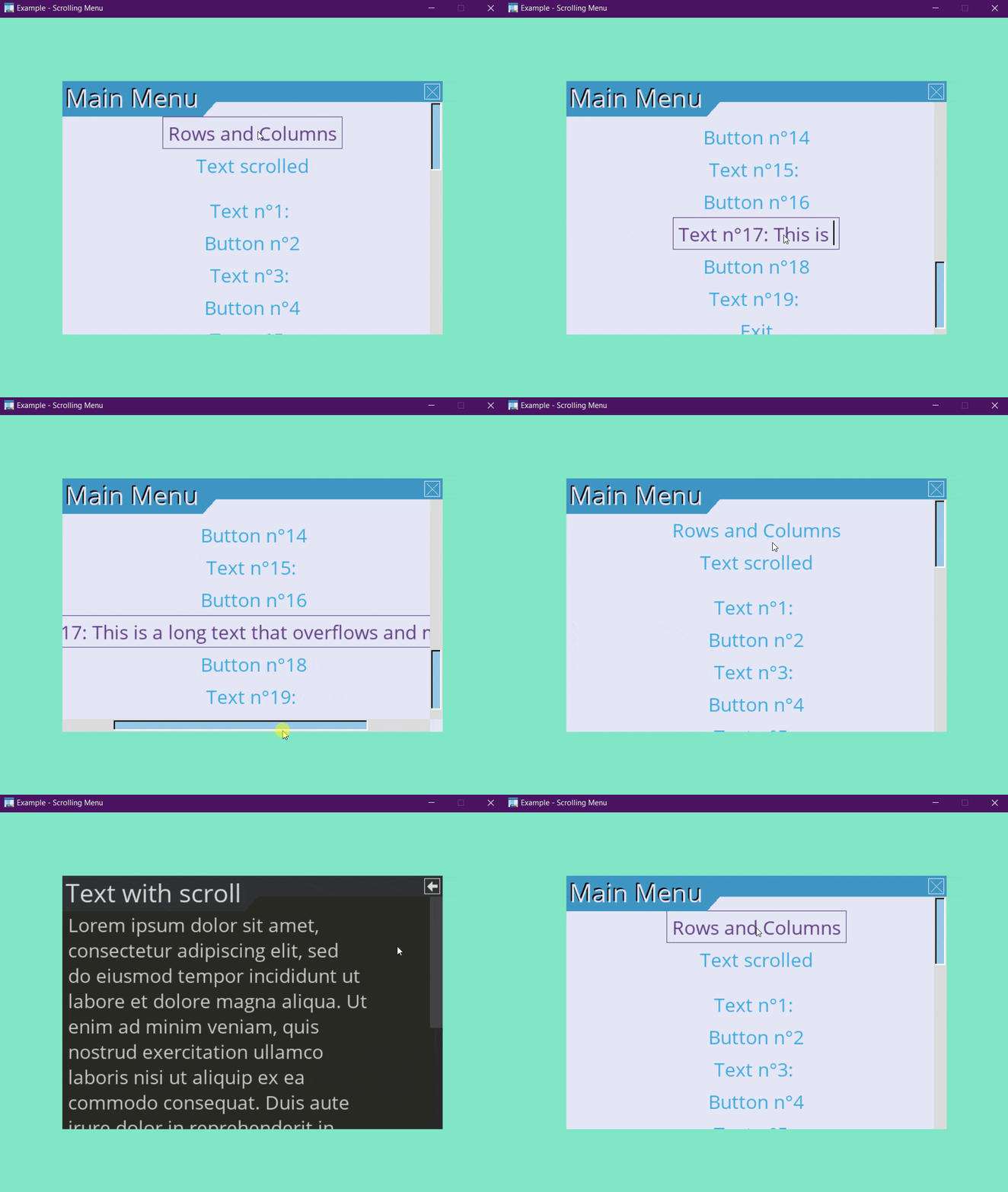
    • Scroll menu example
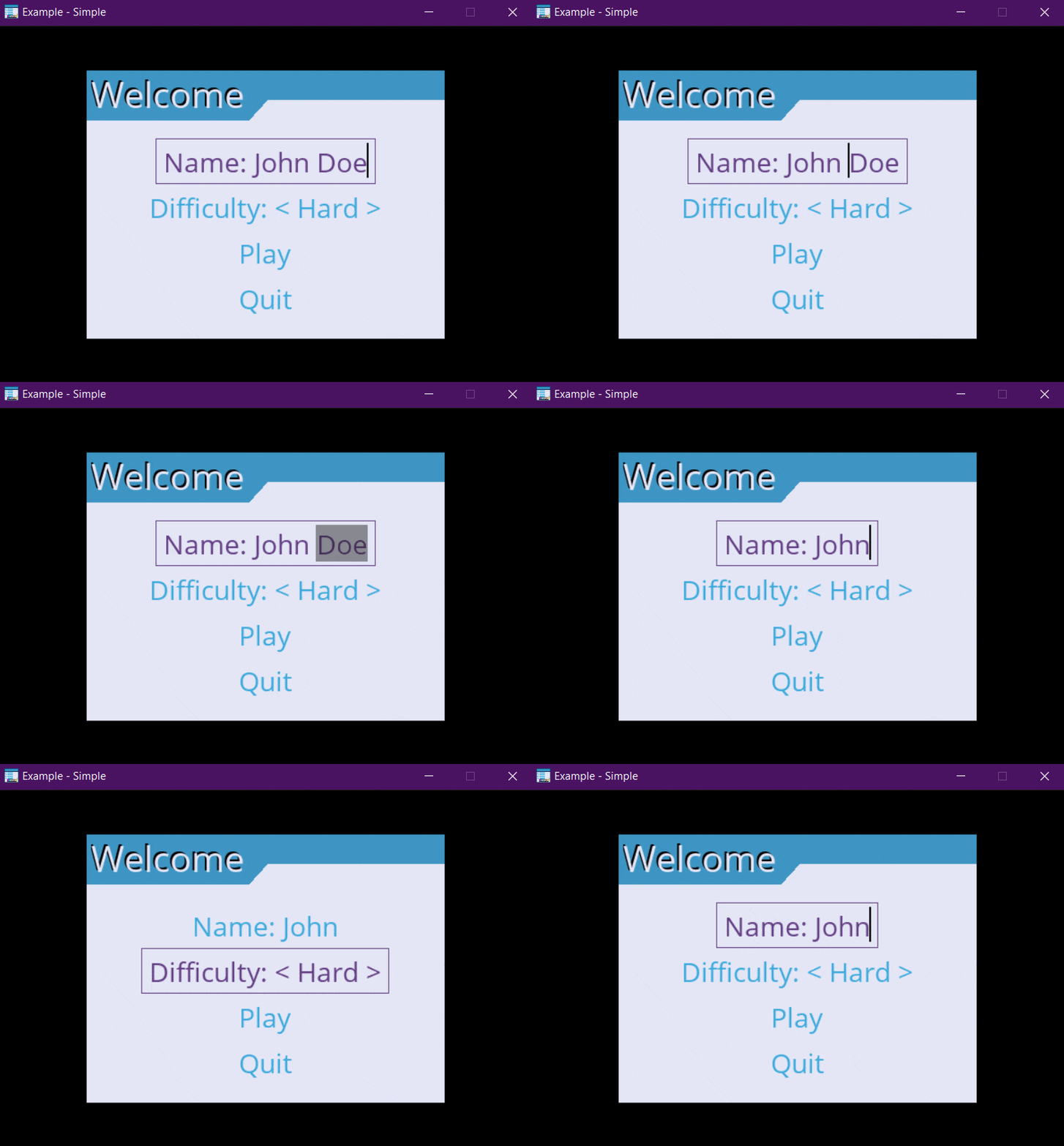
    • Simple example
    • Timer clock example
    • Window resize example
    • Other - Calculator (Decoration, Events, OOP, Frames)
    • Other - Dynamic button append
    • Other - Dynamic widget update (OOP style)
    • Other - Image background
    • Other - Maze Pathfinder (GUI)
    • Other - Solar System (OOP, UI, Advanced, Decorations)
    • Other - Widget positioning (OOP, UI, Advanced, Decorations)
Advanced usage

  • Package organization
  • Create a widget
  • Create a selection effect
  • Decorate a Menu / Widgets
  • Configure controller
  • Widget selection effects

Menu APIs

  • BaseImage
  • ScrollArea

Widgets API

  • Button
  • ColorInput
  • DropSelect
  • DropSelectMultiple
  • Frame
  • HMargin
  • Image
  • Label
  • MenuBar
  • MenuLink
  • NoneWidget
  • ProgressBar
  • RangeSlider
  • ScrollBar
  • Selector
  • SurfaceWidget
  • Table
  • TextInput
  • ToggleSwitch
  • VFill
  • VMargin

About pygame-menu

  • License
  • Contributors

Migration Guides

  • Migration Guide - v2 to v3
  • Migration Guide - v3 to v4
pygame-menu
  • Gallery / Examples
  • Edit on GitHub

Gallery / Examples

Several examples are provided with the pygame_menu library. To run the examples, simply execute these commands in a terminal:

$> python3 -m pygame_menu.examples.game_selector
$> python3 -m pygame_menu.examples.multi_input
$> python3 -m pygame_menu.examples.scroll_menu
$> python3 -m pygame_menu.examples.simple
$> python3 -m pygame_menu.examples.timer_clock
$> python3 -m pygame_menu.examples.window_resize

Other examples that show specific use cases of the menu are also provided:

$> python3 -m pygame_menu.examples.other.calculator
$> python3 -m pygame_menu.examples.other.dynamic_button_append
$> python3 -m pygame_menu.examples.other.dynamic_widget_update
$> python3 -m pygame_menu.examples.other.image_background
$> python3 -m pygame_menu.examples.other.maze
$> python3 -m pygame_menu.examples.other.scrollbar
$> python3 -m pygame_menu.examples.other.scrollbar_area
$> python3 -m pygame_menu.examples.other.ui_solar_system
$> python3 -m pygame_menu.examples.other.widget_positioning

Them can also be imported as follows:

from pygame_menu.examples.example import main

main()

Example sources can also be found in the Github repo. Also, check out widget-specific examples in the Adding Widgets documentation page.

Game selector example

A simple game selector

Source: examples/game_selector.py

Multiple input example

This example features all widgets available on pygame-menu

Source: examples/multi_input.py

Scroll menu example

Since v3, menu supports scrolls

Source: examples/scroll_menu.py

Simple example

A basic button menu

Source: examples/simple.py

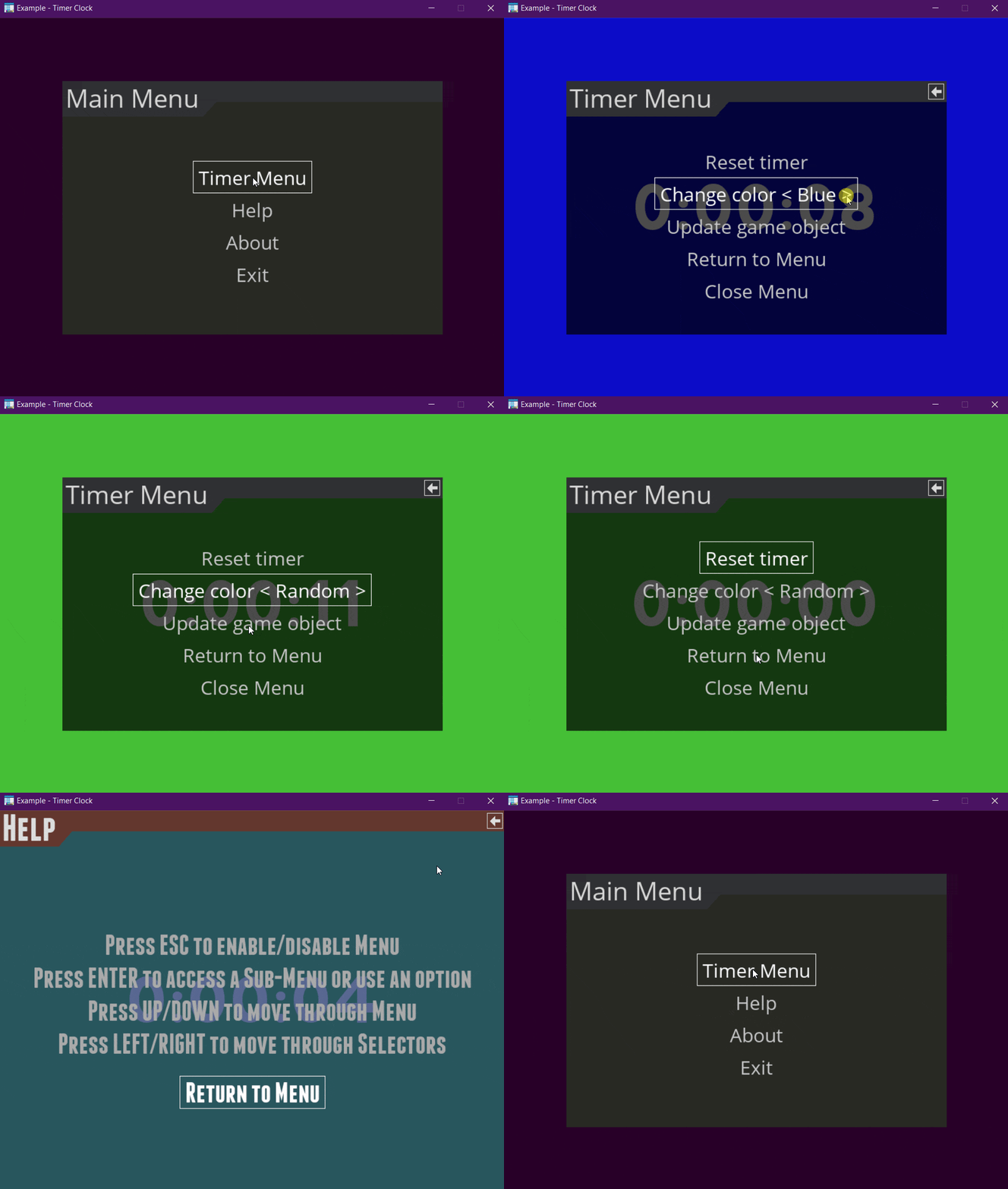
Timer clock example

Timer clock

Source: examples/timer_clock.py

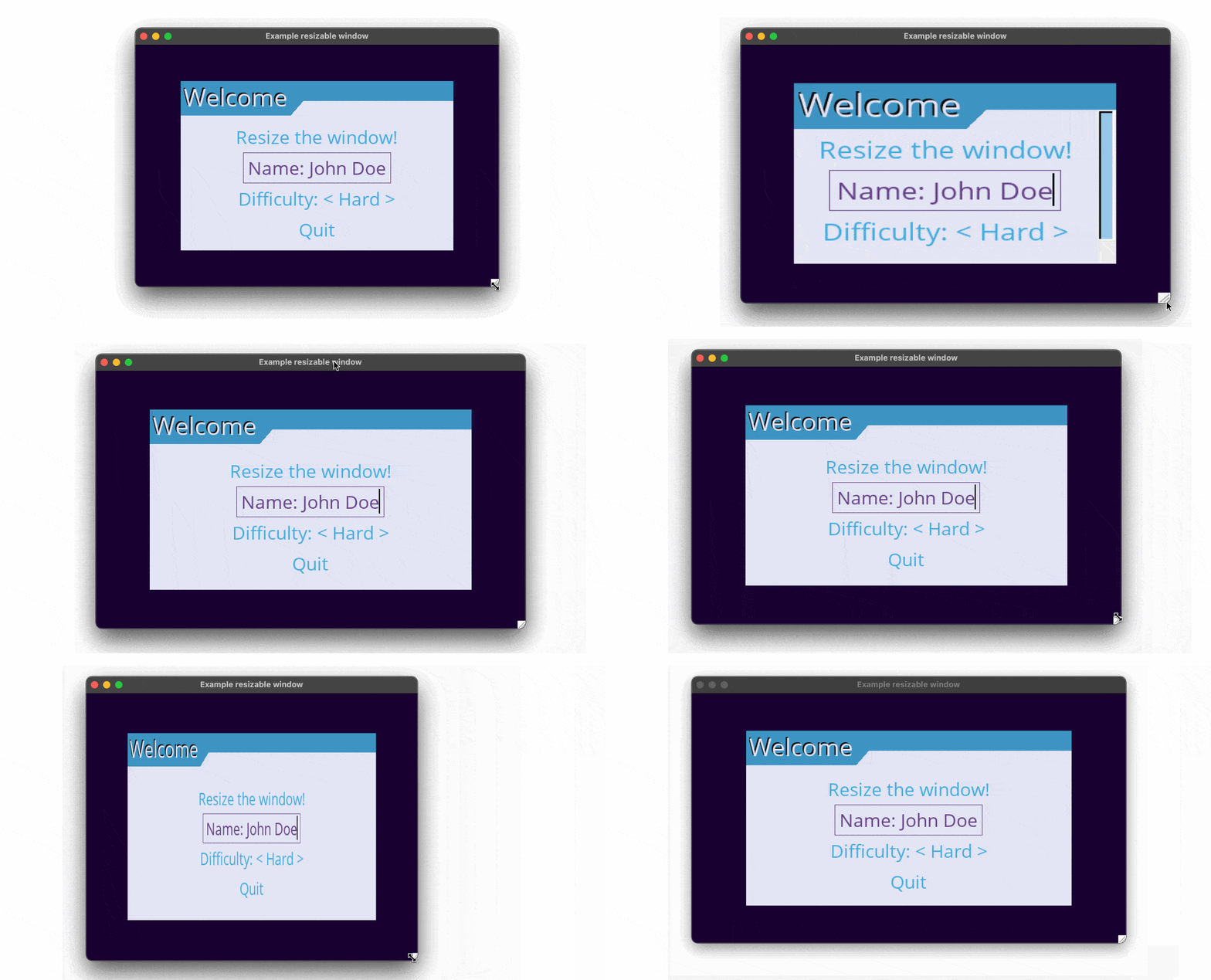
Window resize example

Reizable window example

Source: examples/window_resize.py

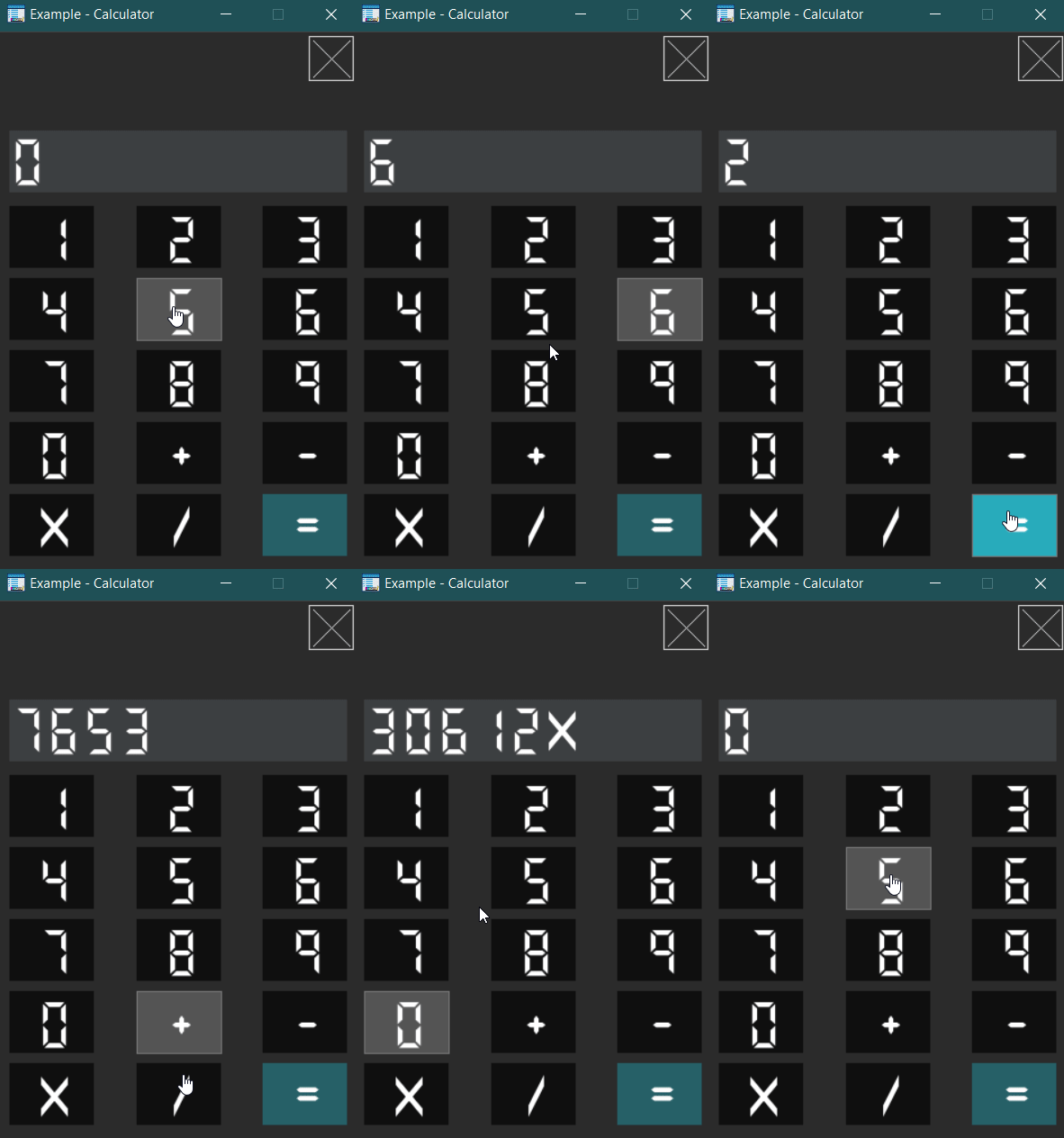
Other - Calculator (Decoration, Events, OOP, Frames)

Calculator

Source: examples/other/calculator.py

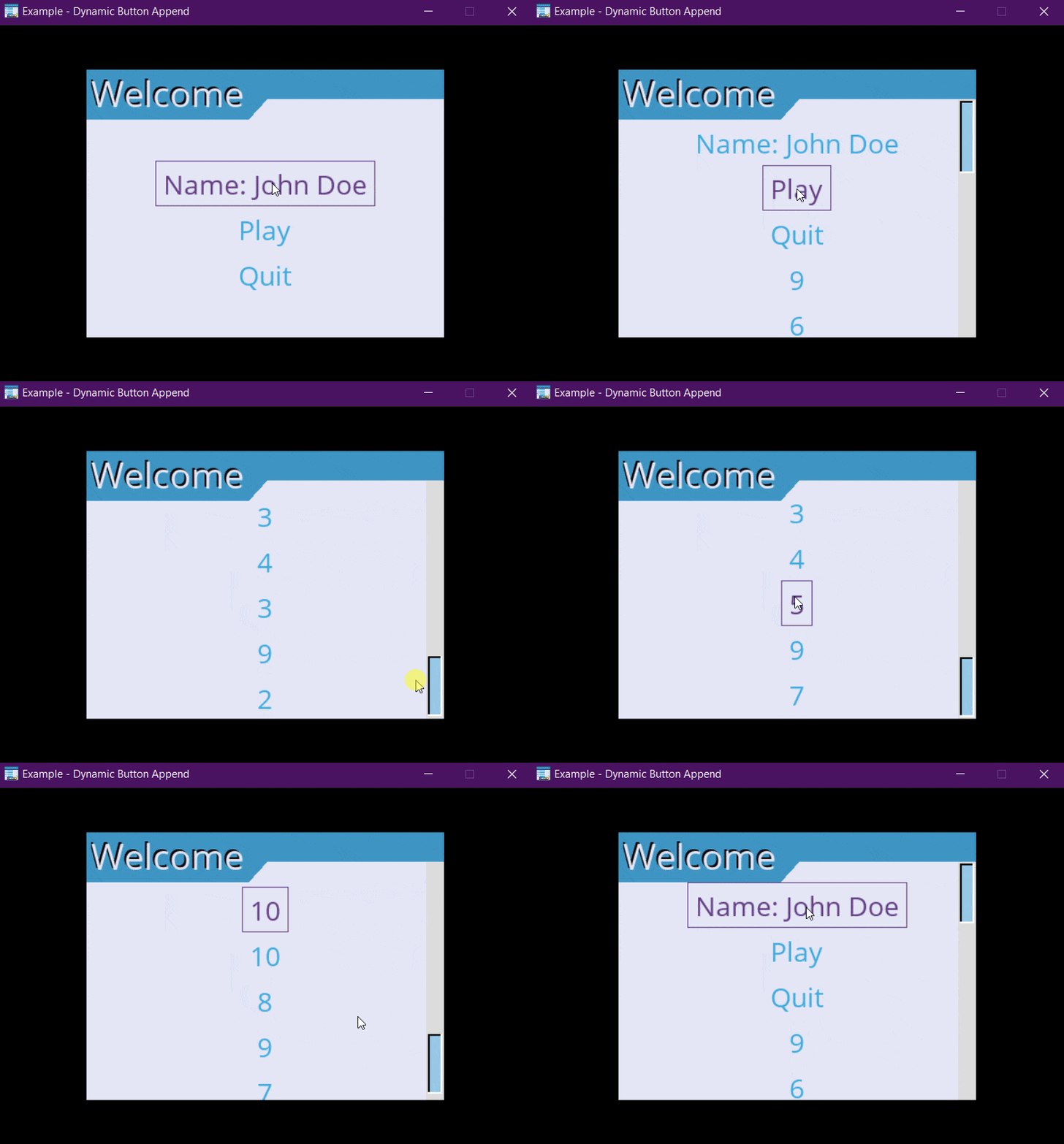
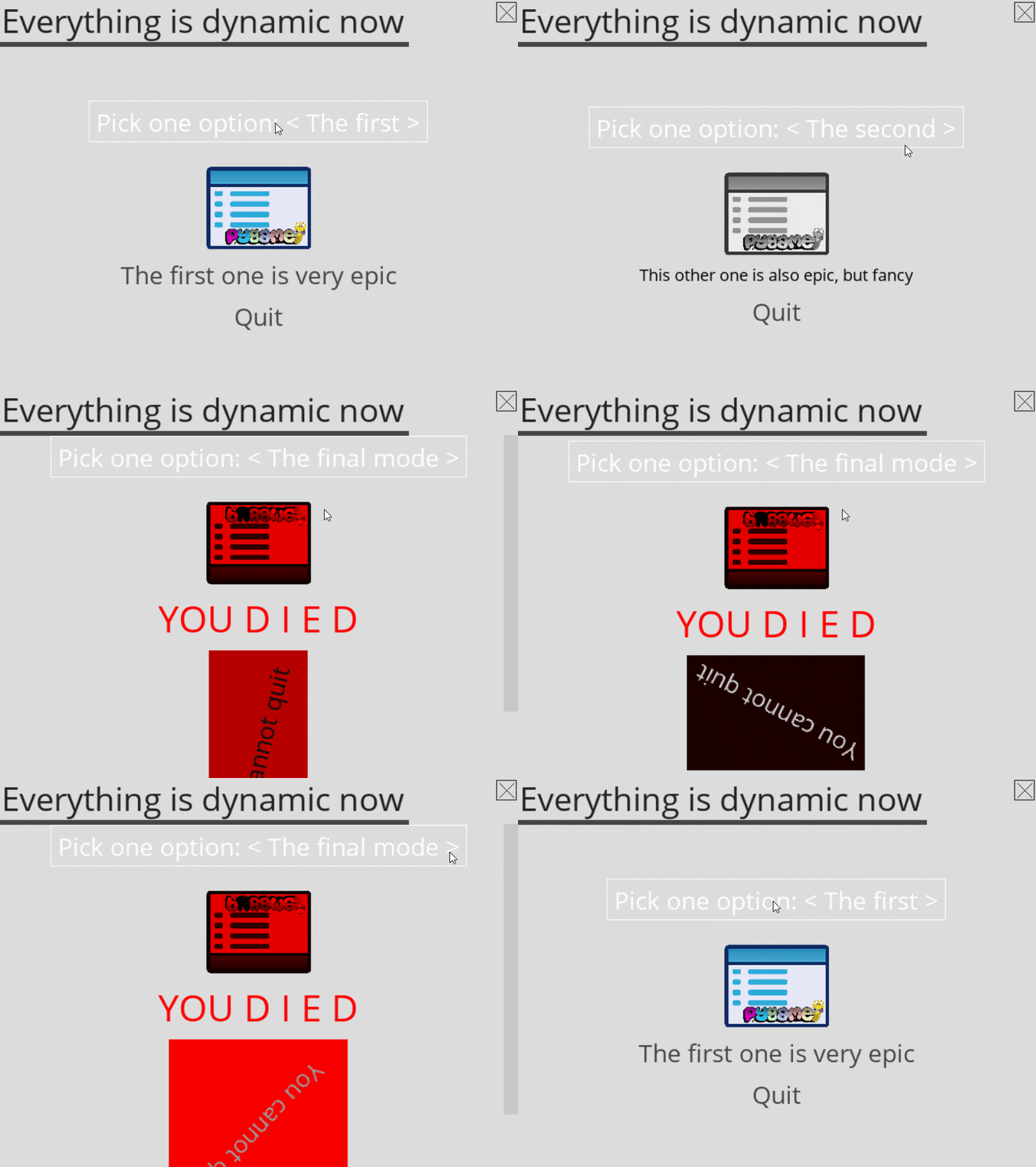
Other - Dynamic button append

Dynamic button append

Source: examples/other/dynamic_button_append.py

Other - Dynamic widget update (OOP style)

Dynamic widget update in object oriented programming style

Source: examples/other/dynamic_widget_update.py

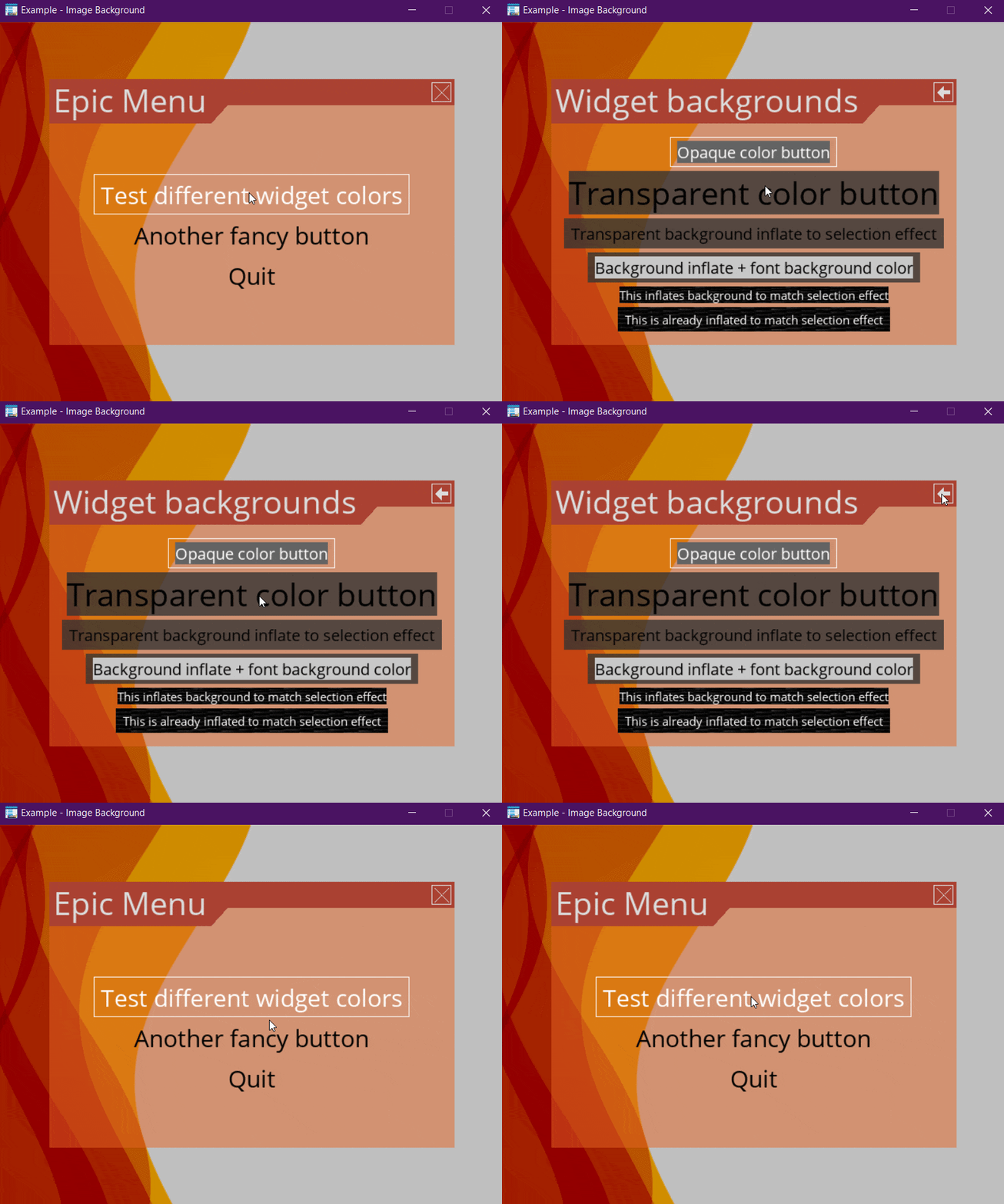
Other - Image background

Image background

Source: examples/other/image_background.py

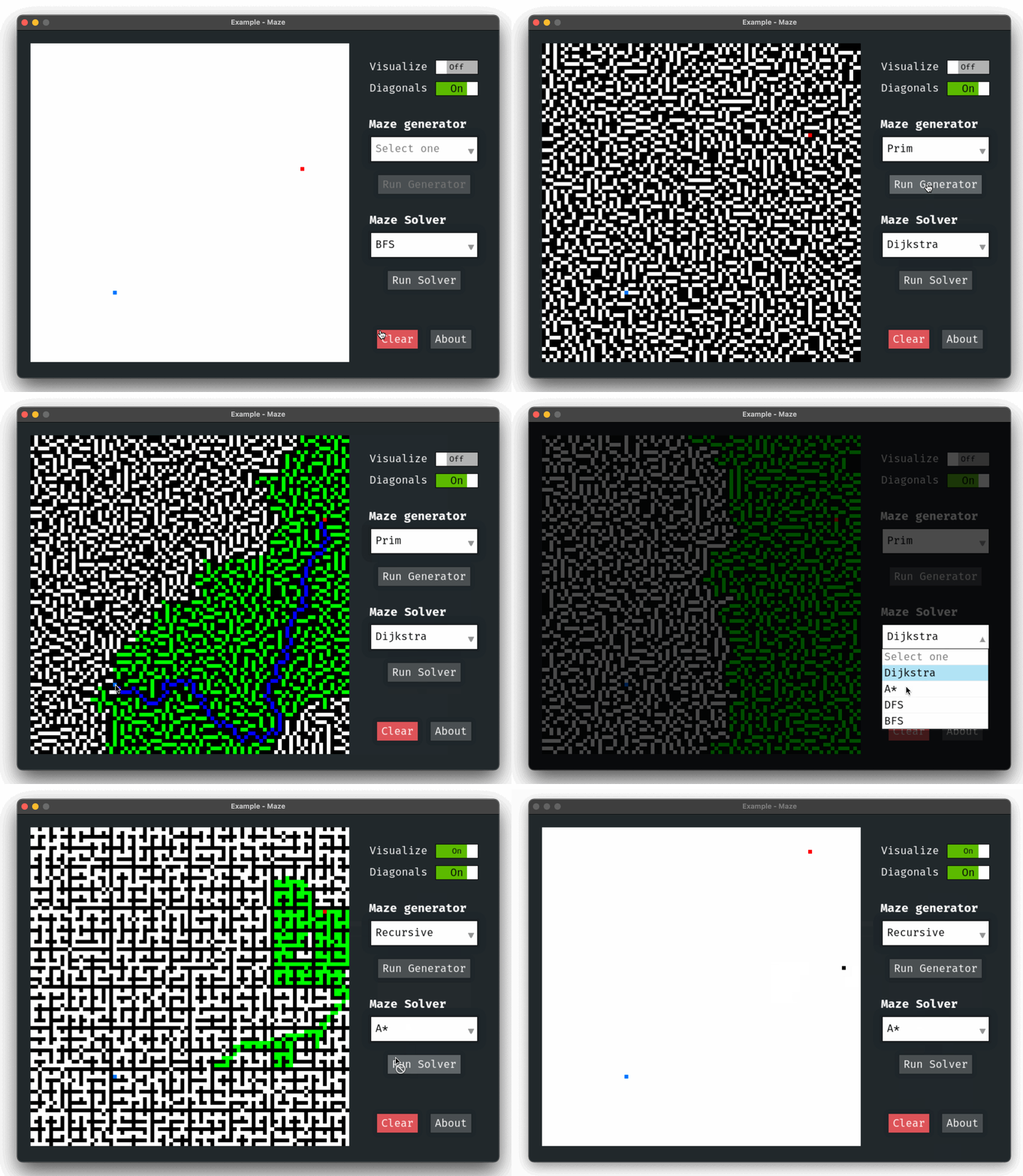
Other - Maze Pathfinder (GUI)

Maze App

Source: examples/other/maze.py

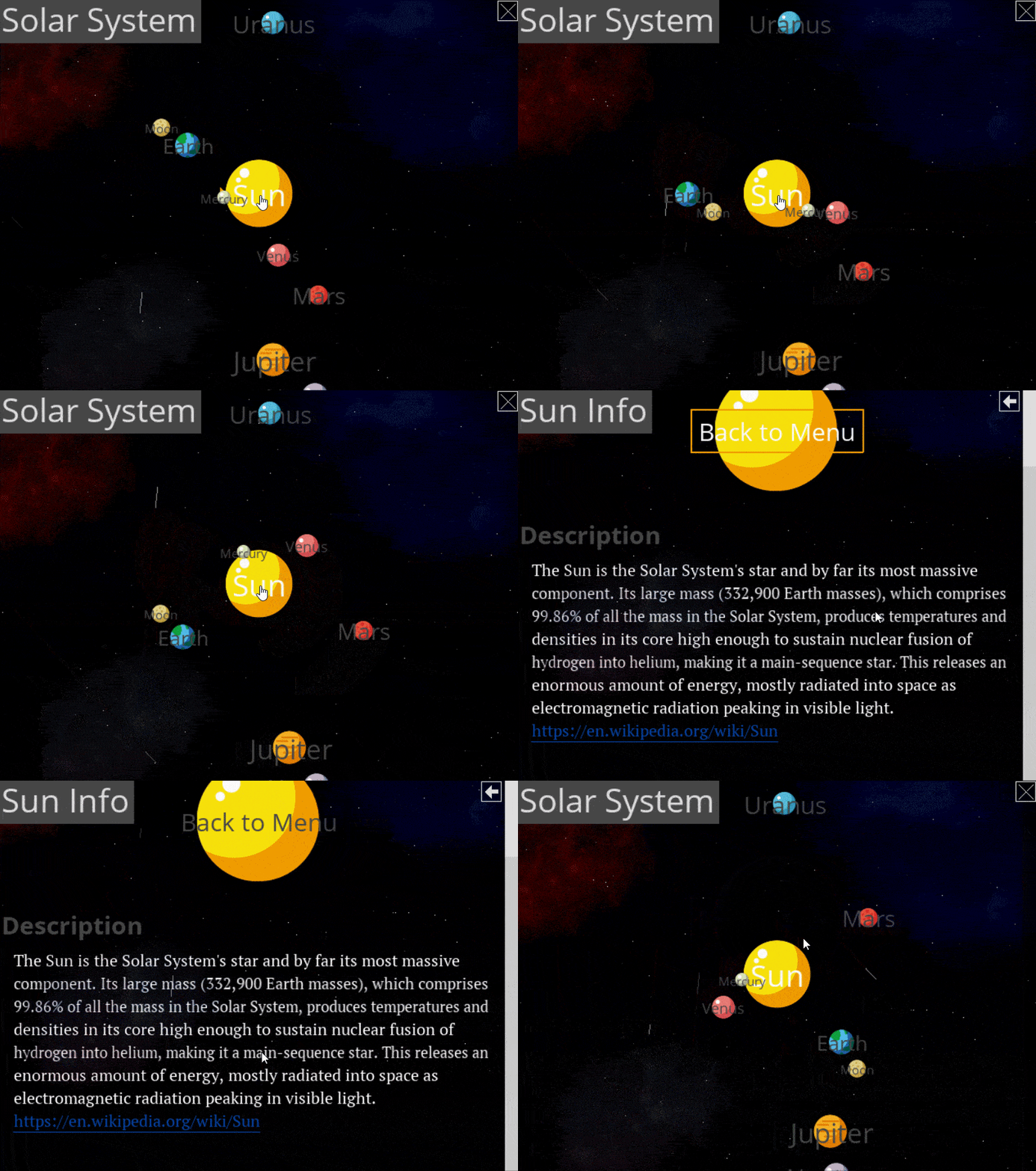
Other - Solar System (OOP, UI, Advanced, Decorations)

Beautiful solar system

Source: examples/other/ui_solar_system.py

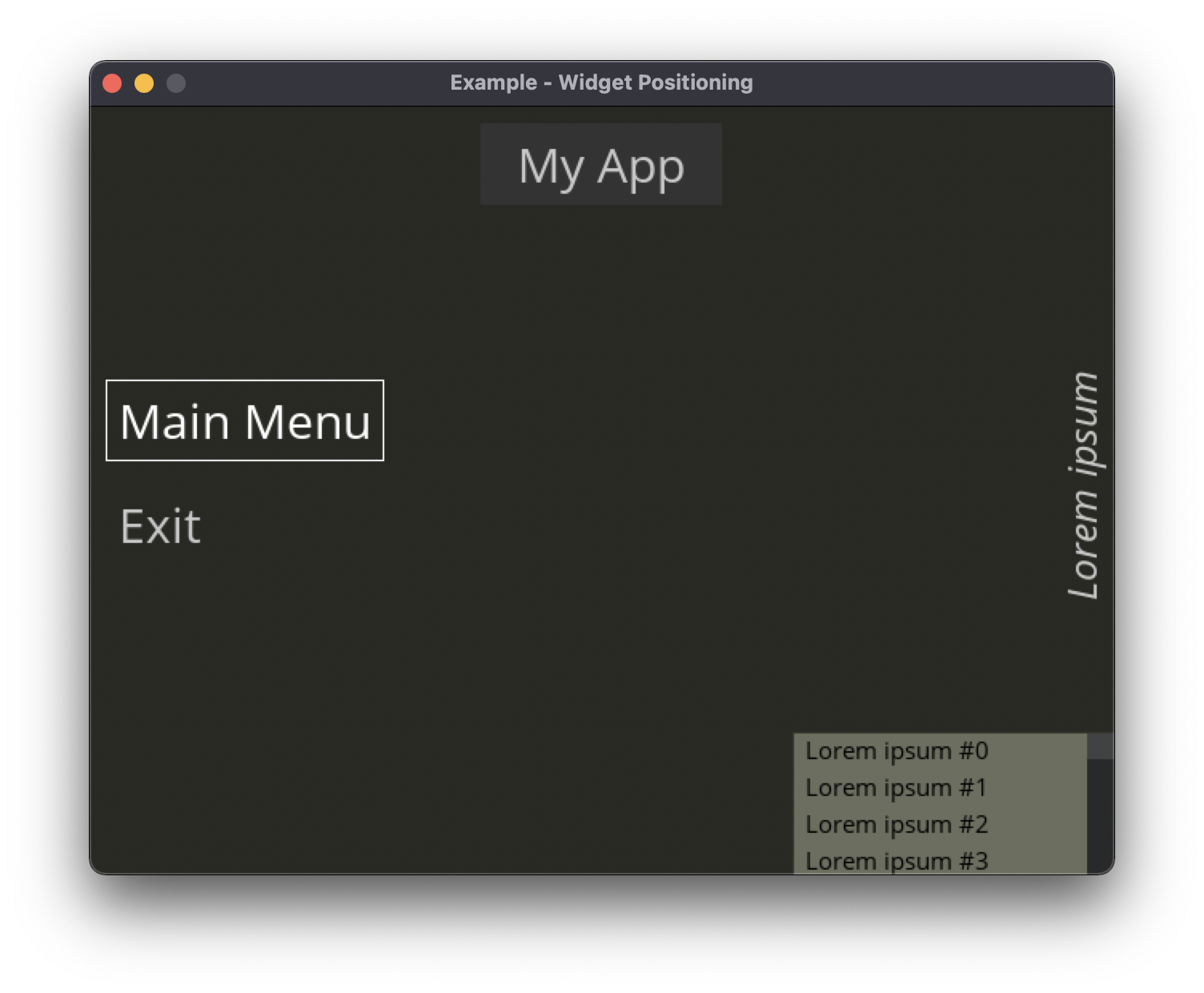
Other - Widget positioning (OOP, UI, Advanced, Decorations)

Set custom positions to each widget

Source: examples/other/widget_positioning.py


© Copyright Copyright 2017 Pablo Pizarro R. @ppizarror. Revision fa2b057f.

Built with Sphinx using a theme provided by Read the Docs.