pygame-menu Logo
3.2.1

First steps

  • Creating menus
  • Adding widgets
  • Adding sounds
  • Creating themes
  • Gallery
    • Simple example
    • Multiple input example
    • Scroll menu example
    • Columns example
    • Game selector example
    • Timer clock example
  • Migration Guide - v2 to v3

Advanced usage

  • Package organization
  • Create a widget
  • Create a selection effect

Widgets API

  • Button
  • ColorInput
  • Image
  • Label
  • MenuBar
  • ScrollBar
  • Selector
  • TextInput
  • VMargin

About pygame-menu

  • License
  • Contributors
pygame-menu
  • Docs »
  • Gallery
  • Edit on GitHub

Gallery

Several examples are provided with the pygame_menu library. To run the examples, simply execute these commands in a terminal:

$> python -m pygame_menu.examples.simple
$> python -m pygame_menu.examples.game_selector
$> python -m pygame_menu.examples.multi_input
$> python -m pygame_menu.examples.scroll_menu
$> python -m pygame_menu.examples.timer_clock

Them can also be imported as follows:

from pygame_menu.examples.example import main

main()

Examples can also be found in the Github repo.

Simple example
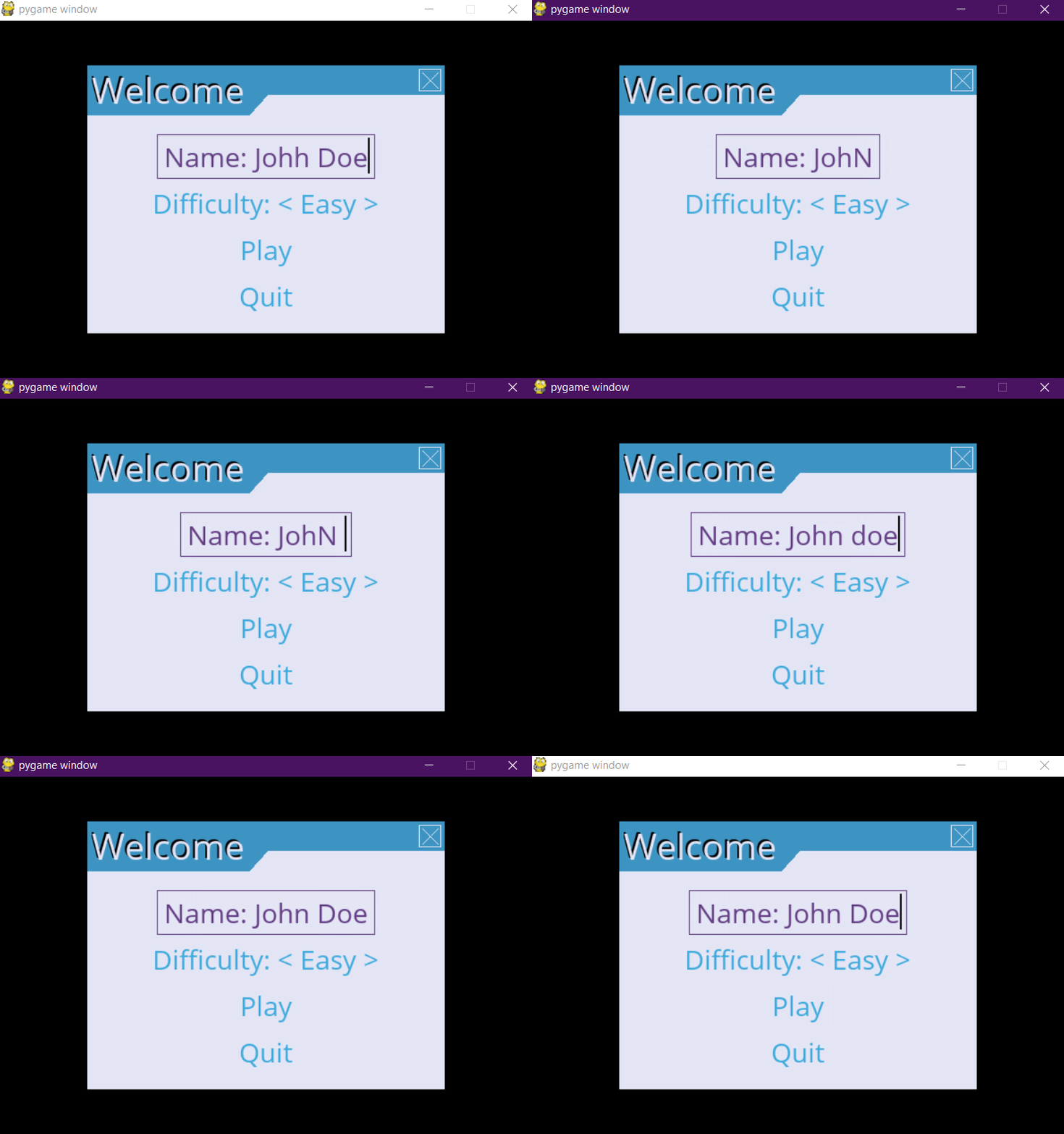
A basic button menu

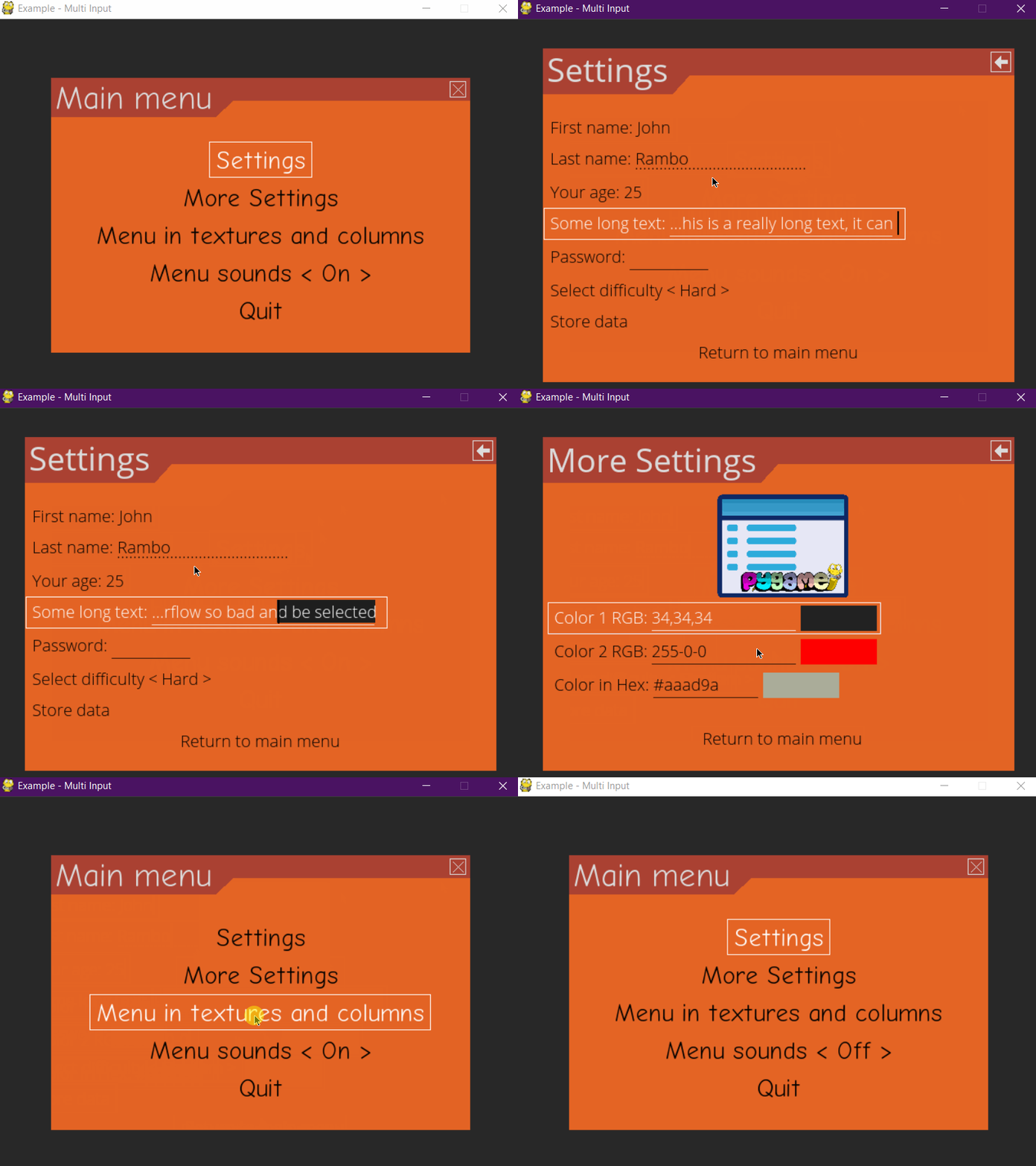
Multiple input example

This example features all widgets available on pygame-menu

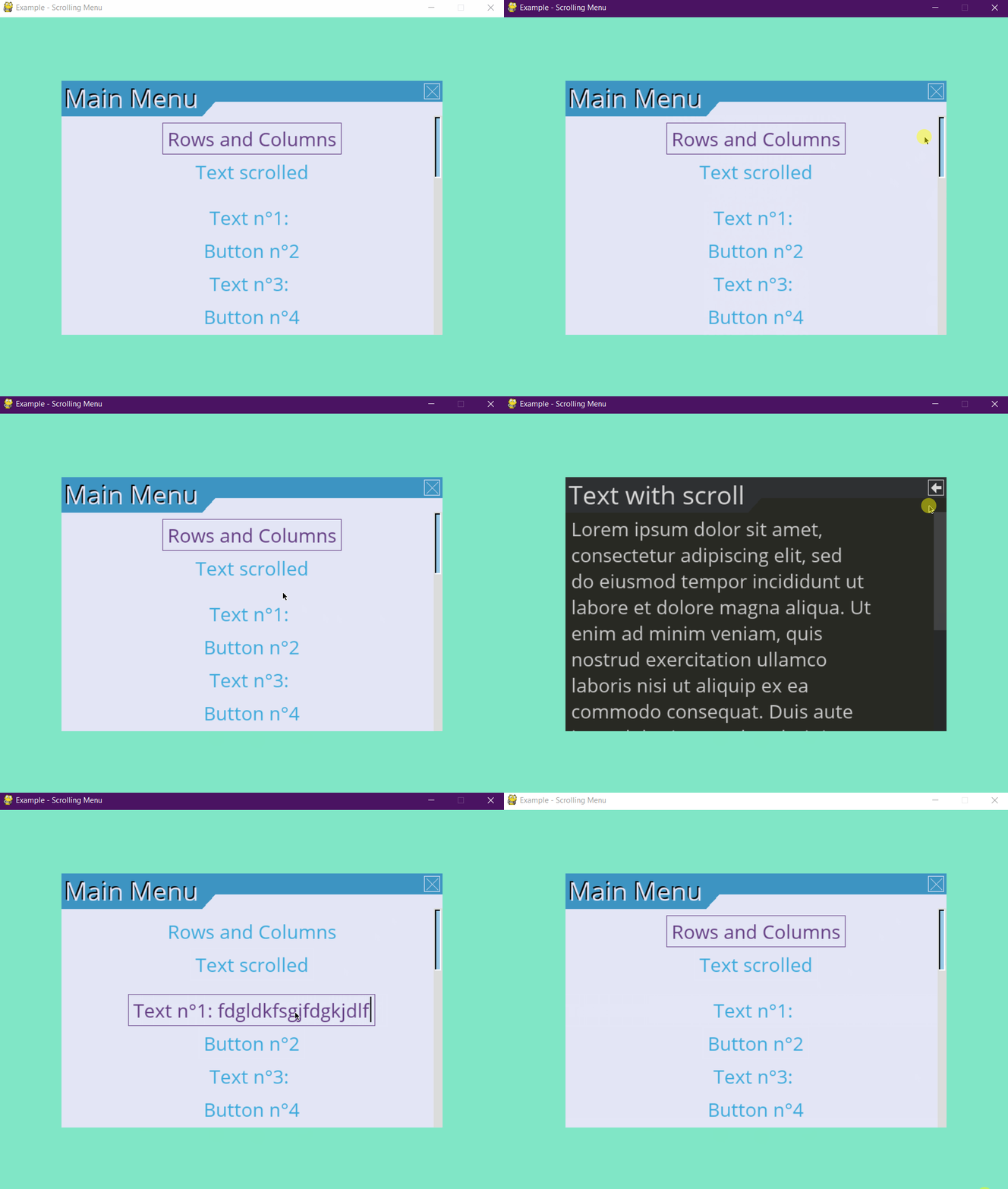
Scroll menu example

Since v3, menu supports scrolls

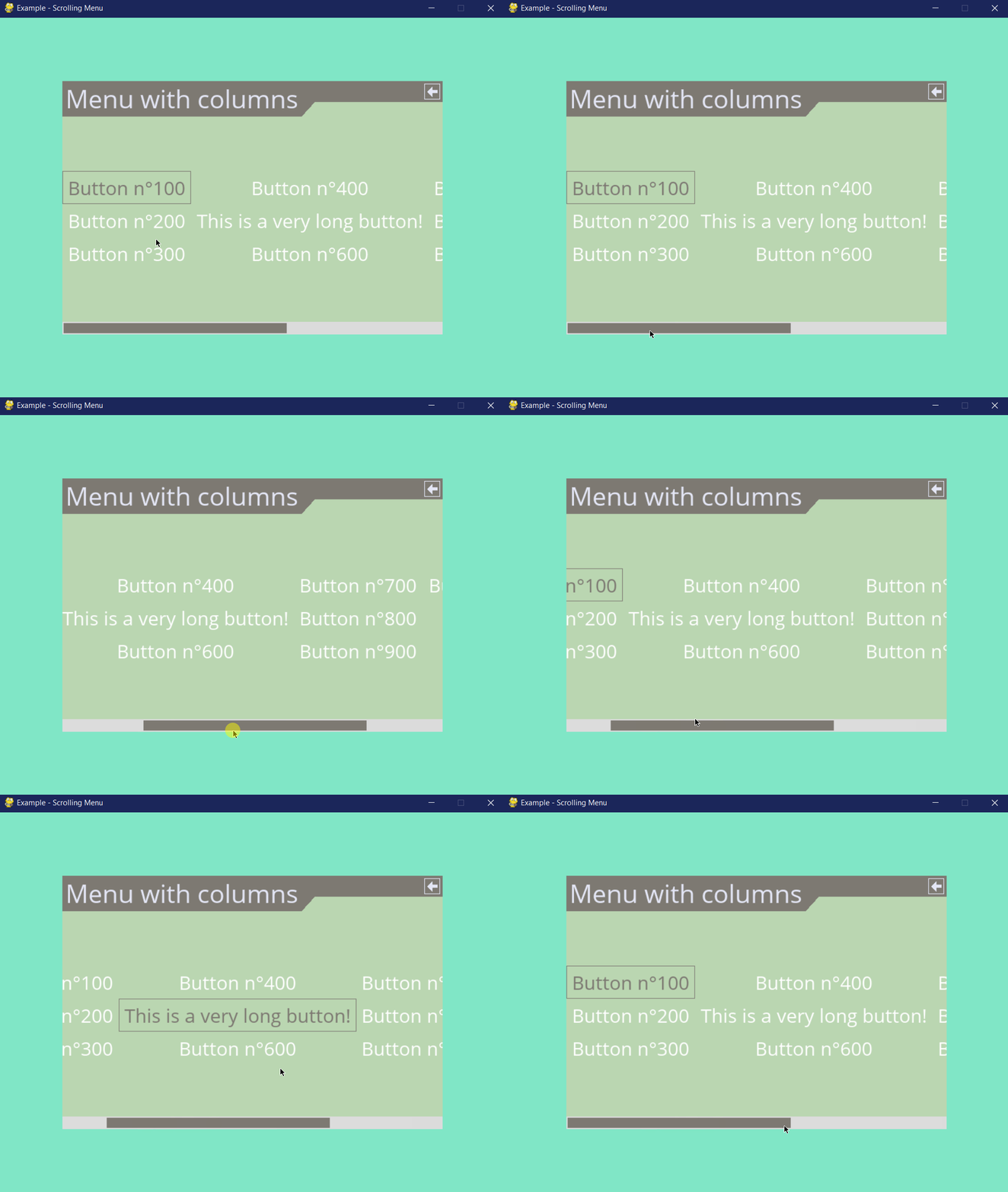
Columns example

Since v3, menu supports columns and scrolls

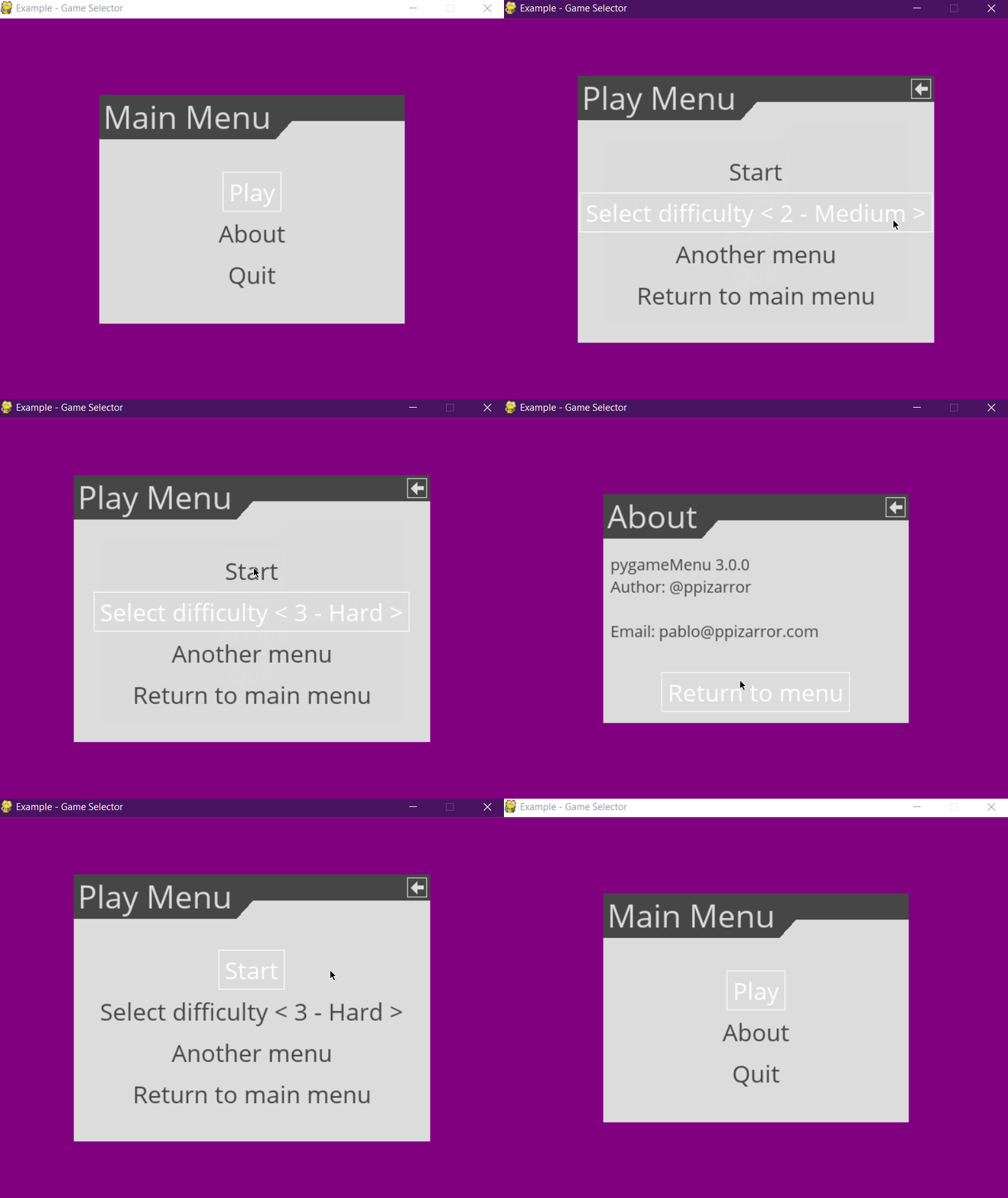
Game selector example

A simple game selector

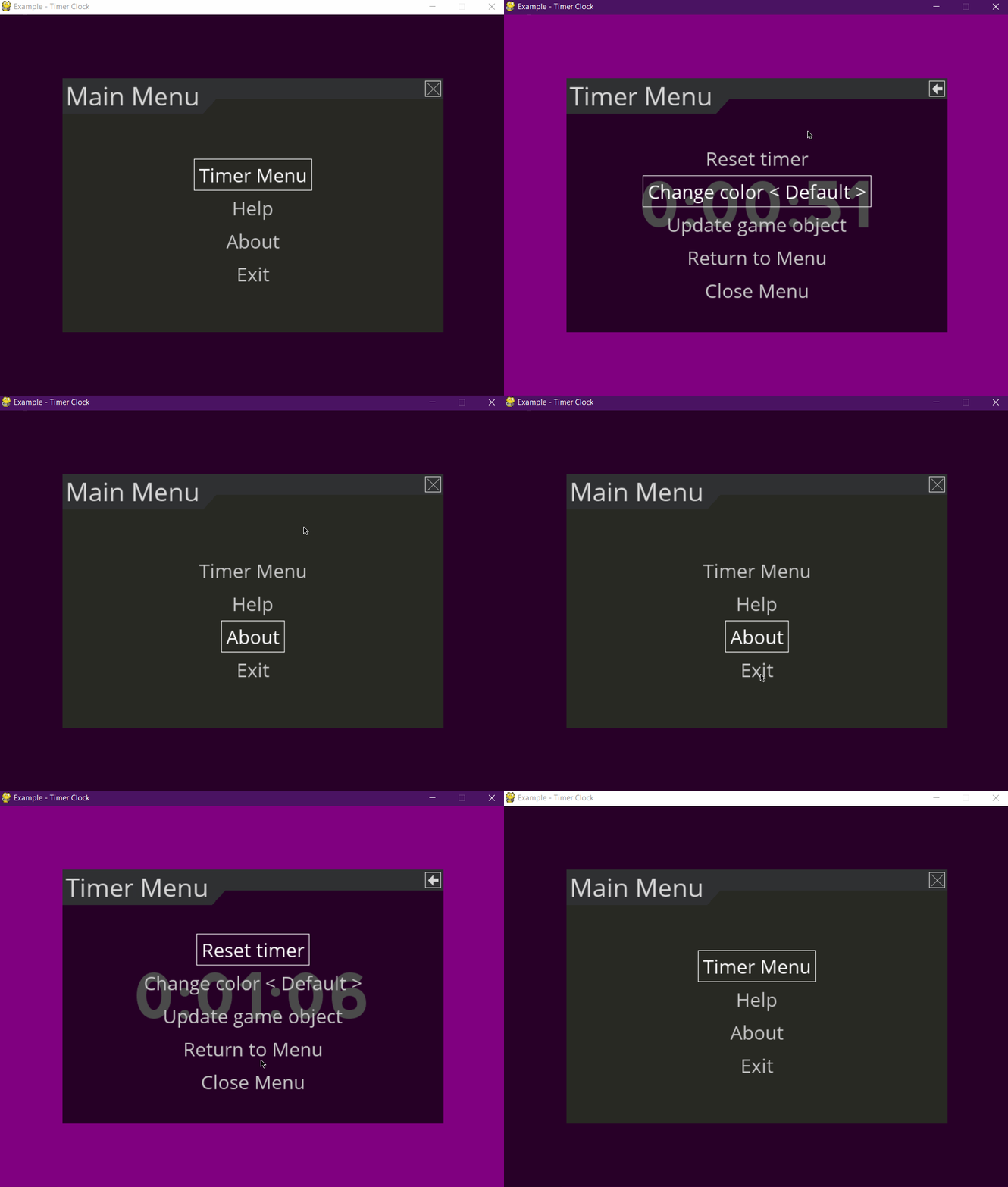
Timer clock example

Timer clock

© Copyright 2020, Pablo Pizarro R. @ppizarror Revision d505e7f1.

Built with Sphinx using a theme provided by Read the Docs.